 AI
AI
Set Up Your Design System in Claude Design: Make Every Design On-Brand
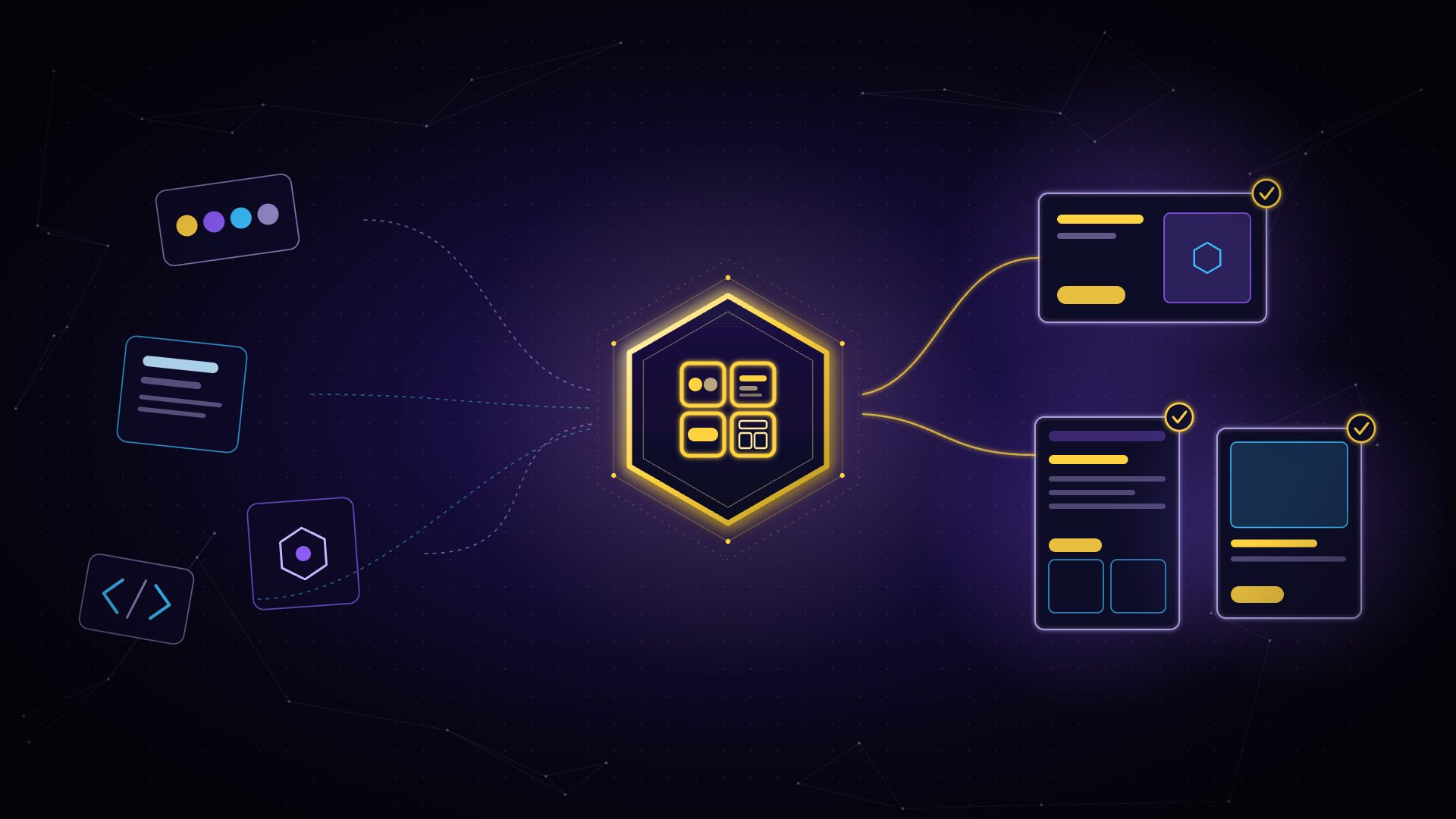
Turn your logos, colors, fonts and code into a design system, so every new design and deck starts on-brand. Speaker: Dulce Villarreal, founder of ISMOS. A design system is your brand's set of visual rules: colors, typography, components (buttons, cards, navigation) and page layouts. In this hands-on course, Dulce shows how to build one in Claude Design from the assets you already have, review the result, fix what doesn't match and publish it so AI applies it to everything you design. Format: live course, 2 classes of 50 minutes, one per week, with a hands-on mission in between. Class 1 · Build your design system. What a design system does and which plans include it; how to choose your sources (code, a deck or document, logos, palettes, fonts); a live build; questions. Mission before class 2: ask for a test landing page, dashboard and one-pager, and note everything that doesn't match your brand. Class 2 · Validate, publish and maintain. Review what you found; adjust with new sources and edits; publish it so it replaces the default system; sync it with code components in Claude Code; keep it up to date. Who it's for Designers, brand leads and developers. No design or coding experience needed. Requirements: a Claude account on a plan that includes design systems (Pro, Max, Team or Enterprise) and at least one brand source (code, a deck, or logos and palettes). Independent course, not affiliated with Anthropic. Claude Design is in beta, so screens and steps may change between classes.
Starts Tuesday, 12 January 2027